The story behind it
I’ve been working on the same problem for about four years. Back in 2022, leading the development practice at a previous company, I wrote down that the thing I most wanted to pursue was mapping out career paths for our developers. The question I kept fumbling was the one that matters most to the people I lead: how do I grow from here? Without something concrete behind them, my answers felt subjective. People left our conversations unsure what else they could be doing, and when someone was pushing for a promotion, that uncertainty turned into frustration.
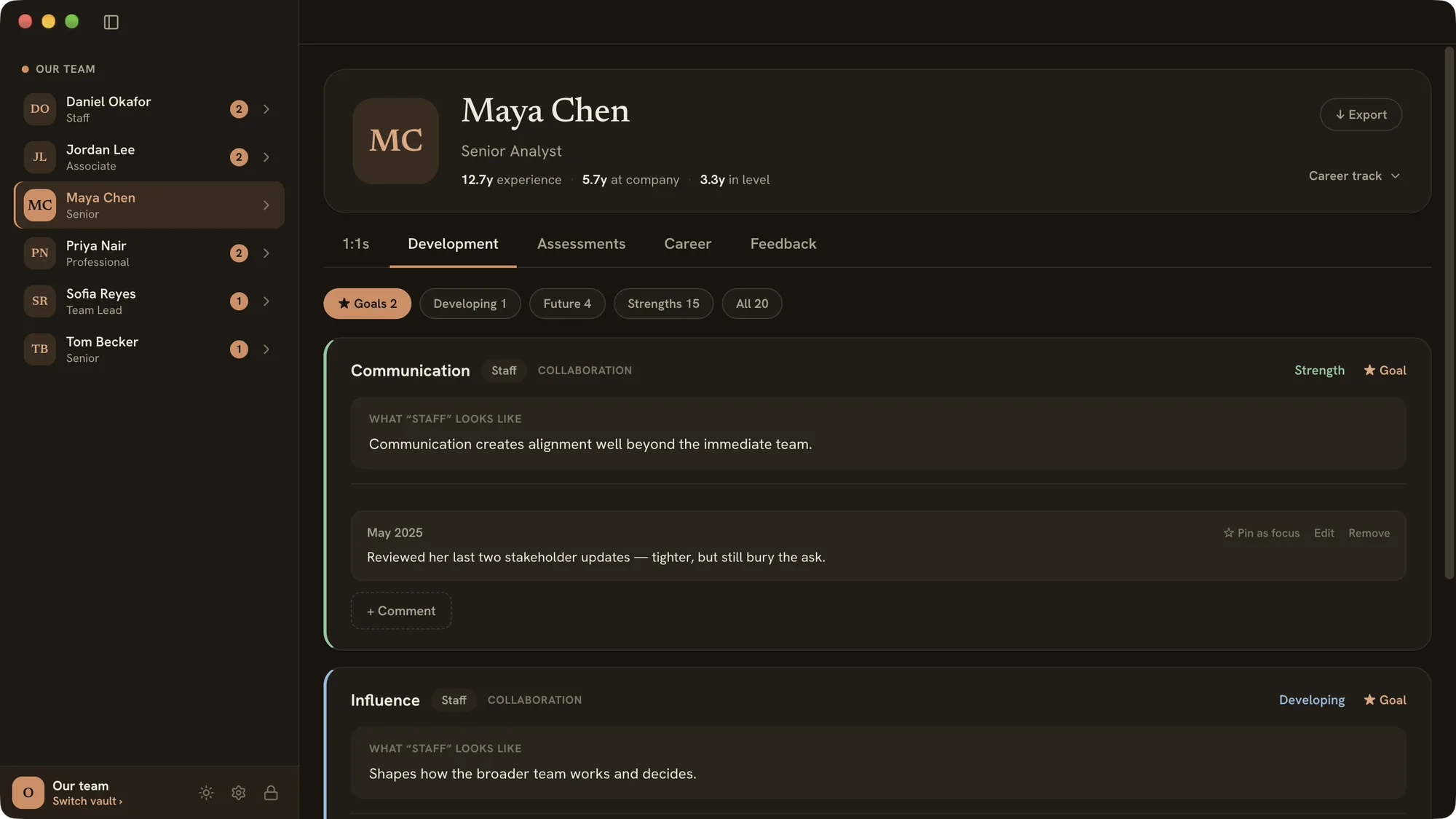
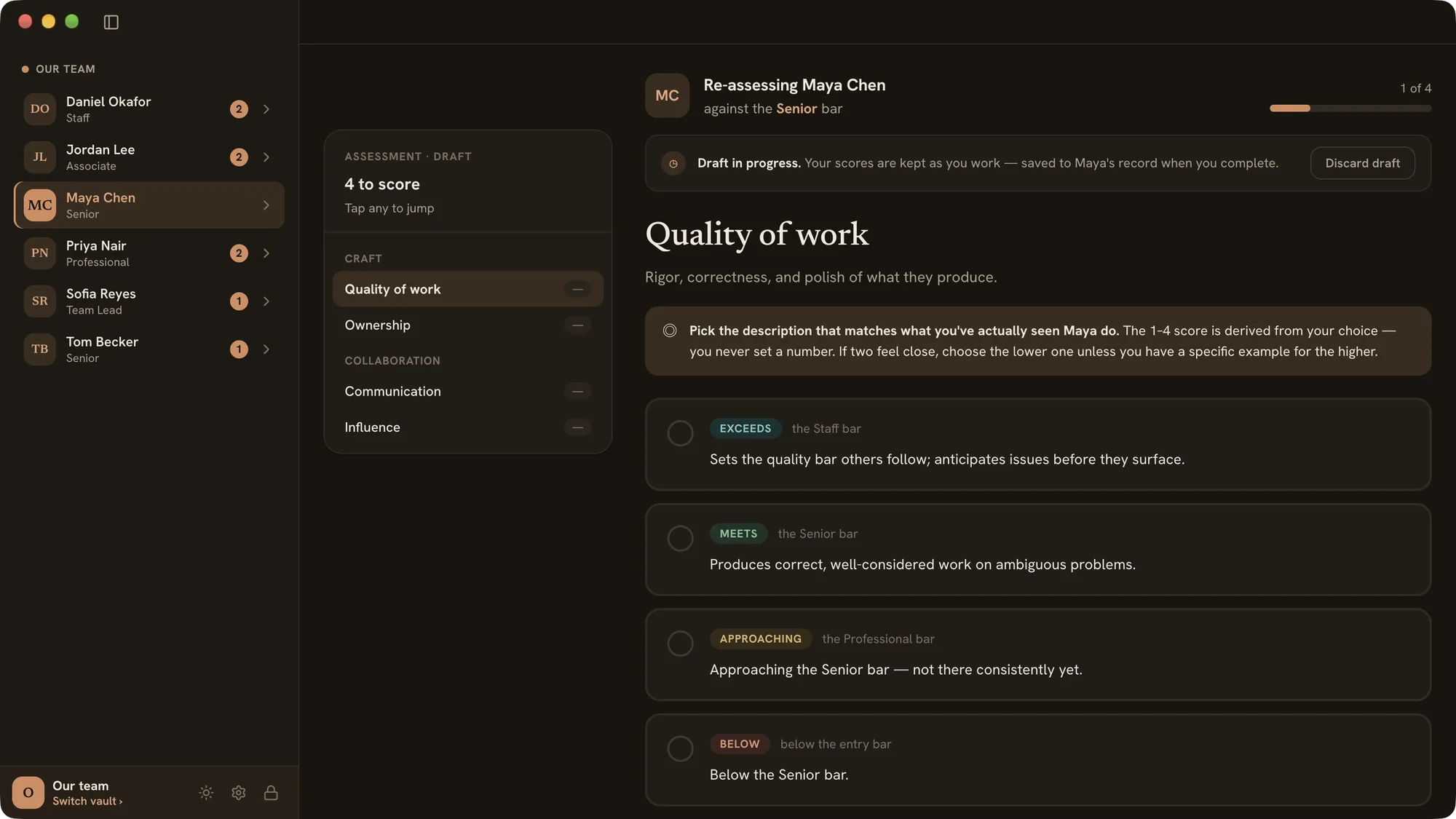
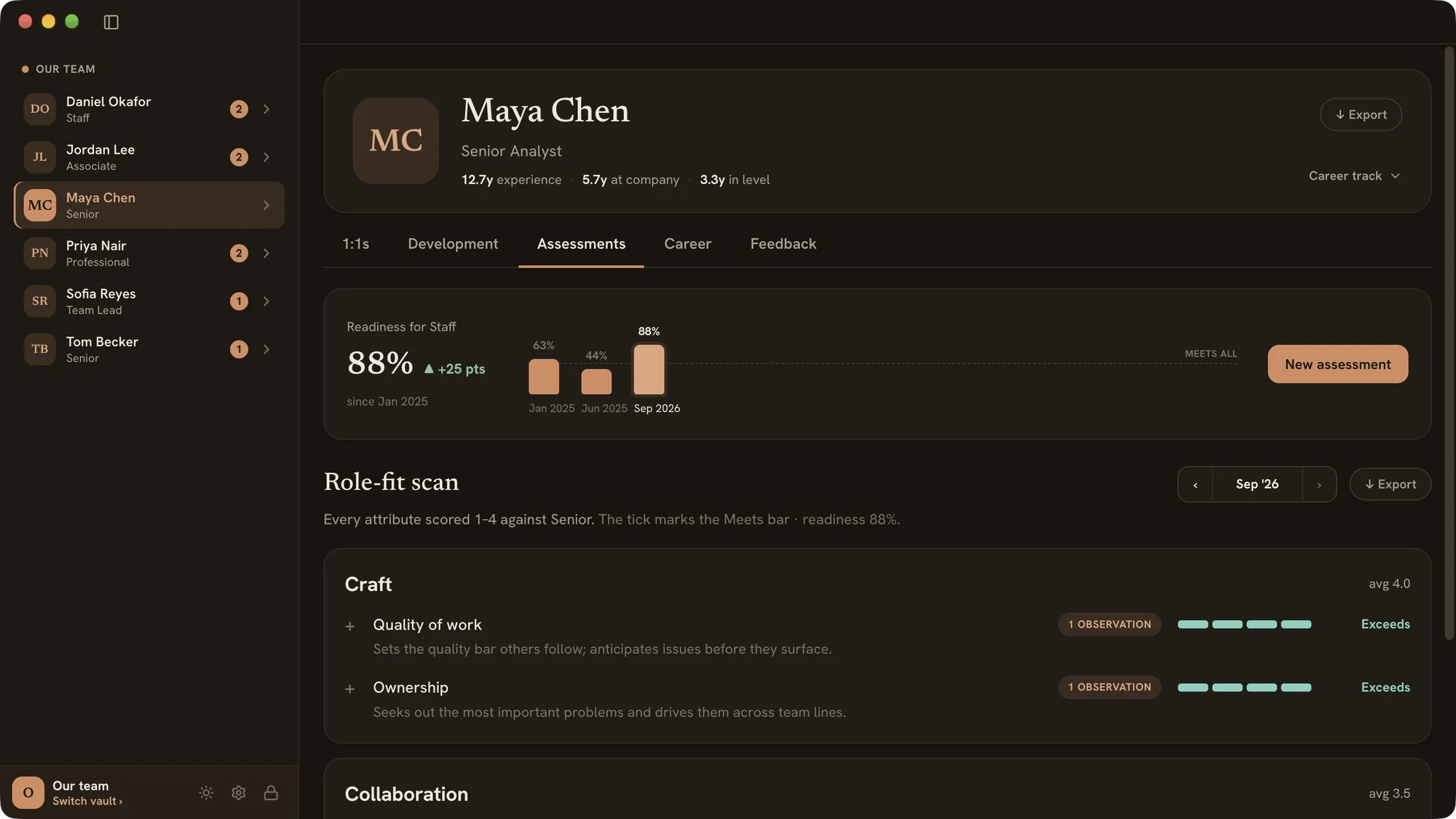
What fixed it was a career matrix: every level on every track, with what’s expected at each. It isn’t a checklist you tick off on the way to a promotion. It’s a shared picture of expectations, so we can both see whether someone is living up to the next level, and so I can make the case when they are.
There’s a line I’ve kept close for years: grace without truth is acceptance, and truth without grace is harshness. The matrix lets me be honest with someone about what’s holding them back, and kind about how we get there. Because everyone has different strengths, it also gives us something real to work on in our 1:1s. My job is to give people opportunities to grow. Theirs is to seize them. That’s where the name comes from: a trellis is the structure that helps something grow and climb.
I’d used Lattice at a previous company, and its matrix was decent. But I couldn’t assess someone against it to pull out where they needed to grow, and finding an old 1:1 note was a pain. Changing jobs also taught me that tools like that don’t come with you. The next company I joined didn’t use Lattice, and every manager had their own system. So I kept the parts I liked and built the tool I wanted.
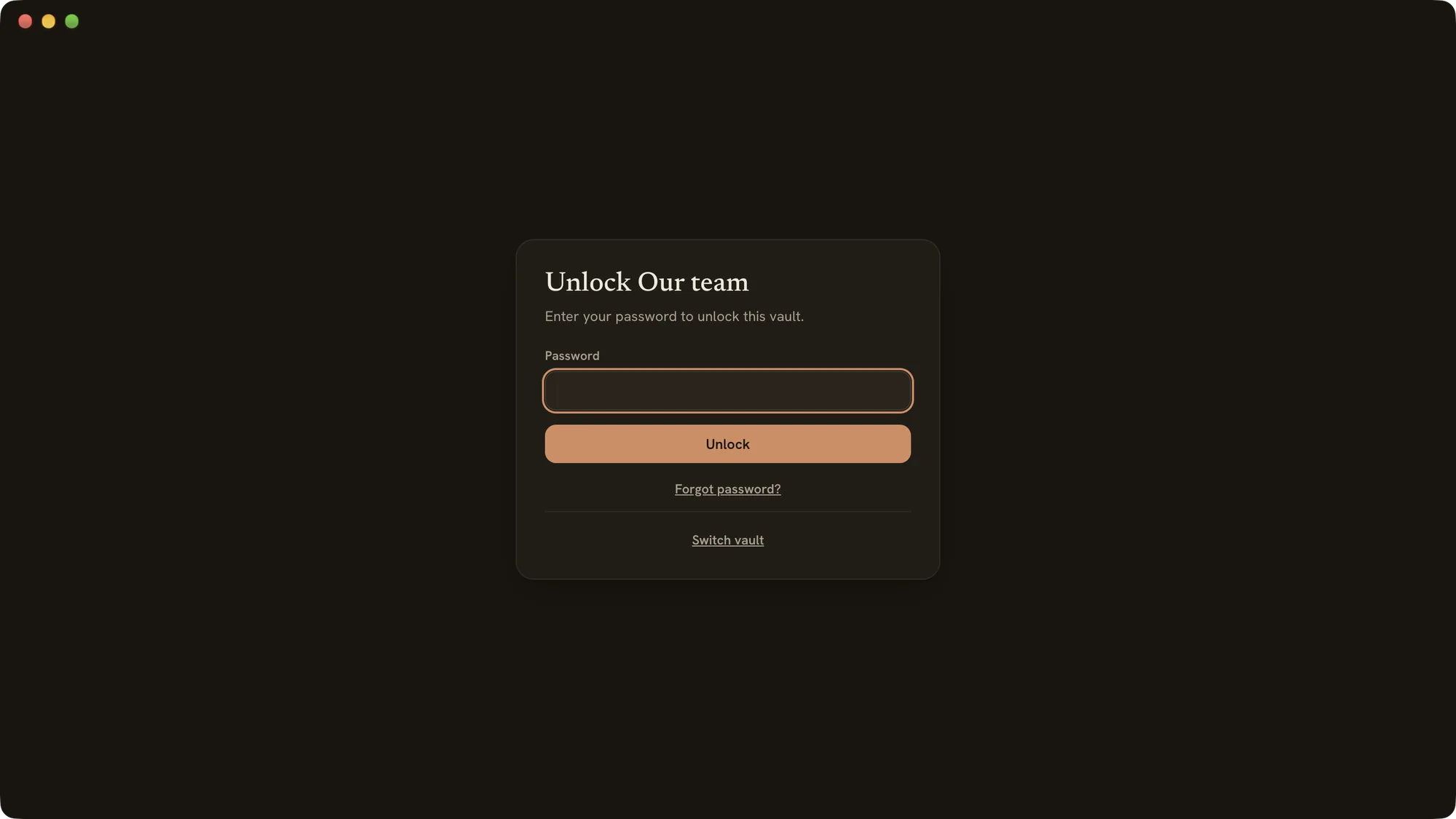
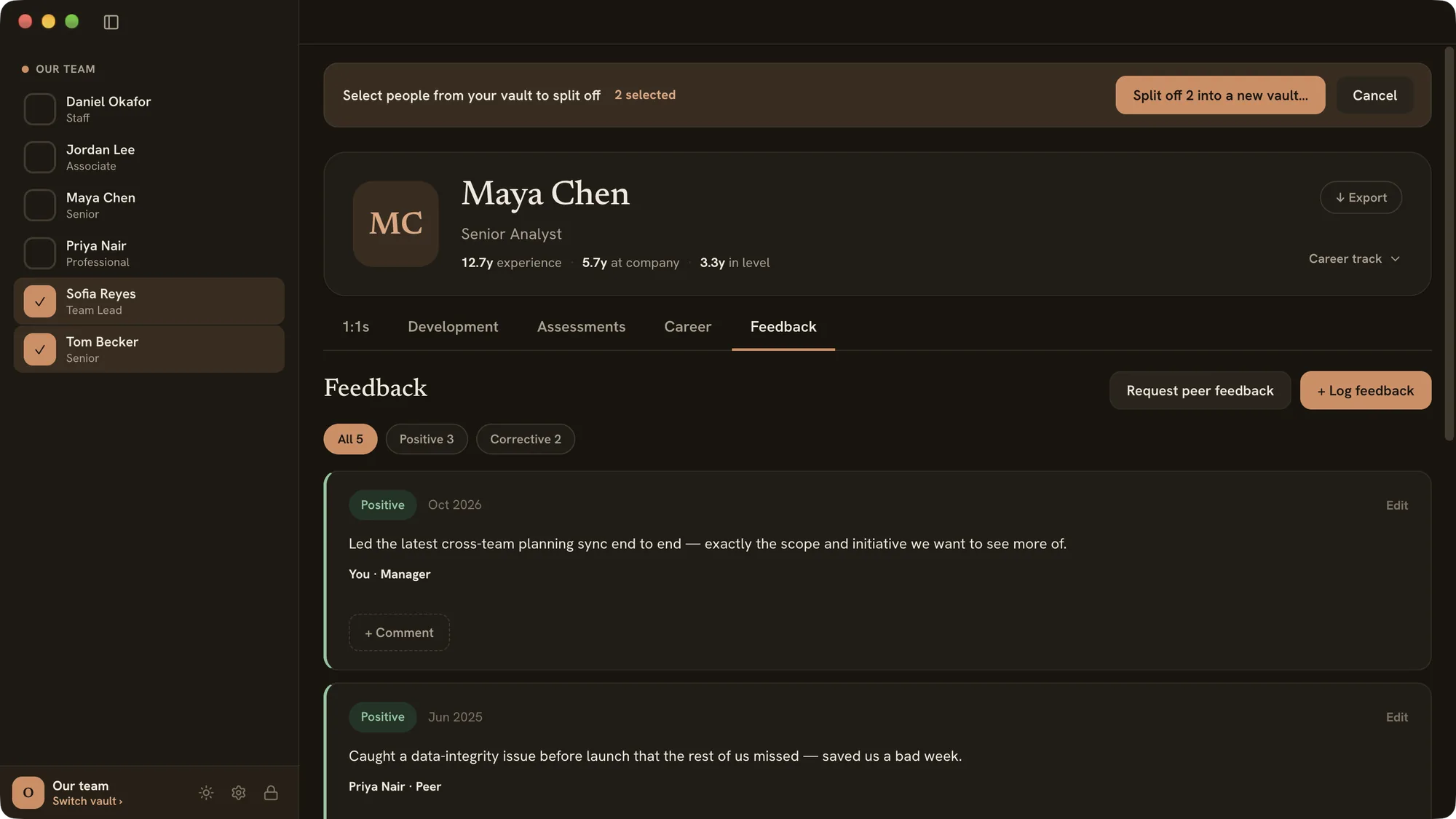
The data inside is about as sensitive as data gets: assessments, feedback, pay. I didn’t want to be responsible for a leak, so Trellis keeps everything in an encrypted vault on my own machine, synced through my cloud storage so it’s backed up if my laptop is ever lost. A couple of my team leads have tried it too, each with a vault holding only the people they manage, while I can still see everyone.
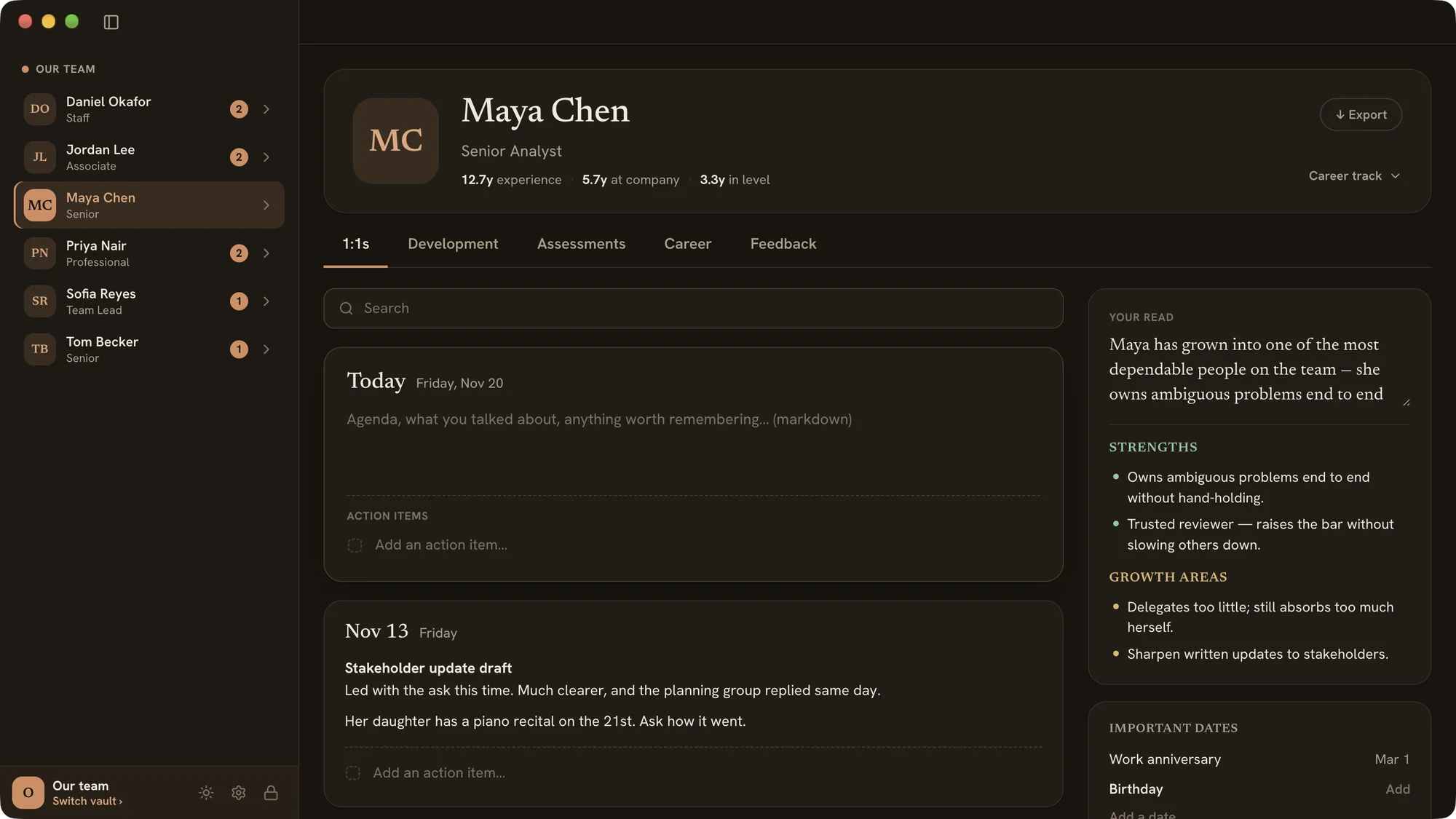
The other half of the job is remembering. I want to be someone my team can depend on, who doesn’t forget what they’ve told me and follows up on what matters. The details are small: a partner’s name, a kid’s big game, a doctor’s appointment someone was worried about. But when someone brings one up again and I already know the backstory, the whole conversation changes. Those moments are why I take notes the way I do.
I’m now starting to use Trellis’s promotion reports to advocate for people on my team. I’ll update this page with how it goes.